Tic-tac-toe Collection AI battle videos
I’ve started making videos of the AI-only games of Tic-tac-toe Collection with interesting settings. More information available at the Tic-tac-toe Collection Showcase
I’ve started making videos of the AI-only games of Tic-tac-toe Collection with interesting settings. More information available at the Tic-tac-toe Collection Showcase
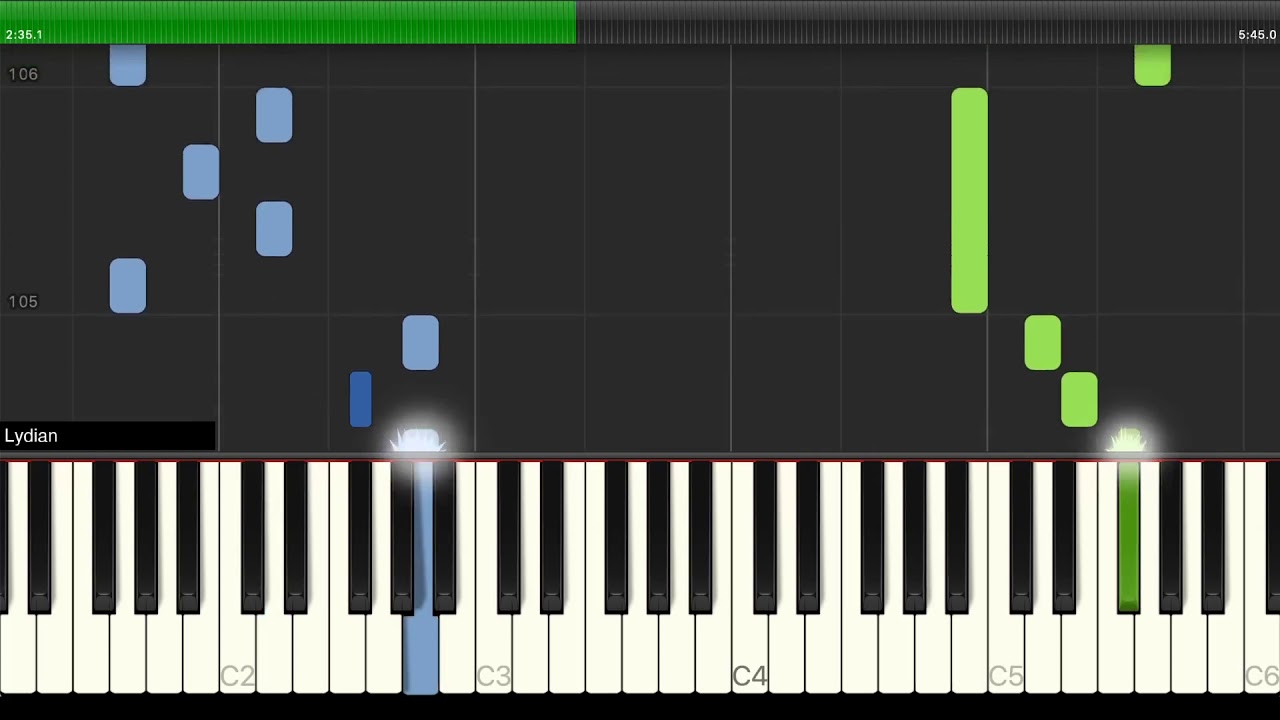
Partly because I like seeing things in different permutations, and partly to just try different things with semi-automated video production, I arranged a simple version of Jingle Bells and transposed it to different modes:
To sell an app (or an in-app purchase) on the iOS App Store as a non-US citizen, a tax ID is required* to fill in a W8 form. That is either an ITIN (Individual Taxpayer Identification Number) or EIN (Employer Identification number).
As an individual, the ITIN would appear the most correct option. The last time I investigated it, it was a slow process that would require notarised copies of supporting documentation.
Getting an EIN is much easier, and despite the name, does not require you to have employees. All you need to do is be in business (which selling in the app store is) and being a sole proprietor (sole trader in the UK) counts.
In theory, you fill in form SS-4 to get one. It’s very straightforward, and even has an explanation of exactly which parts you need to fill in (look for notes for “IF the applicant… Is a foreign person needing an EIN to comply with IRS withholding regulations”.
In practice, it is even easier than that. You can apply for one over the phone. They will basically ask you the same questions as on the form, and then give you the EIN there and then. I called “first thing in the morning” (6am for them, 11am for me) and got an answer immediately (they warn you that you could be waiting an hour during busier times). The whole process took less than 10 minutes. The hardest part was confirming how my address should be written down. The net result of all this is that Tic-tac-toe Collection’s single in-app purchase has been enabled (at least for beta testers).
* Whether it is actually required is unclear. The old Xbox 360 program, Xbox Live Indie Games, allowed developers to sell without a tax ID, but a 30% withholding tax would be deducted from your earnings. I believe the best result would be the same happening here. It’s also possible Apple would just not allow you to process sales at all.
Xamarin Forms took part in Hacktoberfest, an effort to increase contributions to open source.
Like my previous contributions, three quarters of my PRs were targeting macOS. The main reason is the changes were straightforward (which makes it more disappointing how long some of the issues have been around).
I would like to say I wasn’t doing it for the t-shirt, but that wouldn’t really be true. I wouldn’t do it just for stickers though.
Sadly it is not that exciting. It fixes a bug on macOS which prevented ListViews from correctly having a background color that included an alpha view besides 1. [macOS] Fix transparent ListView background
I win
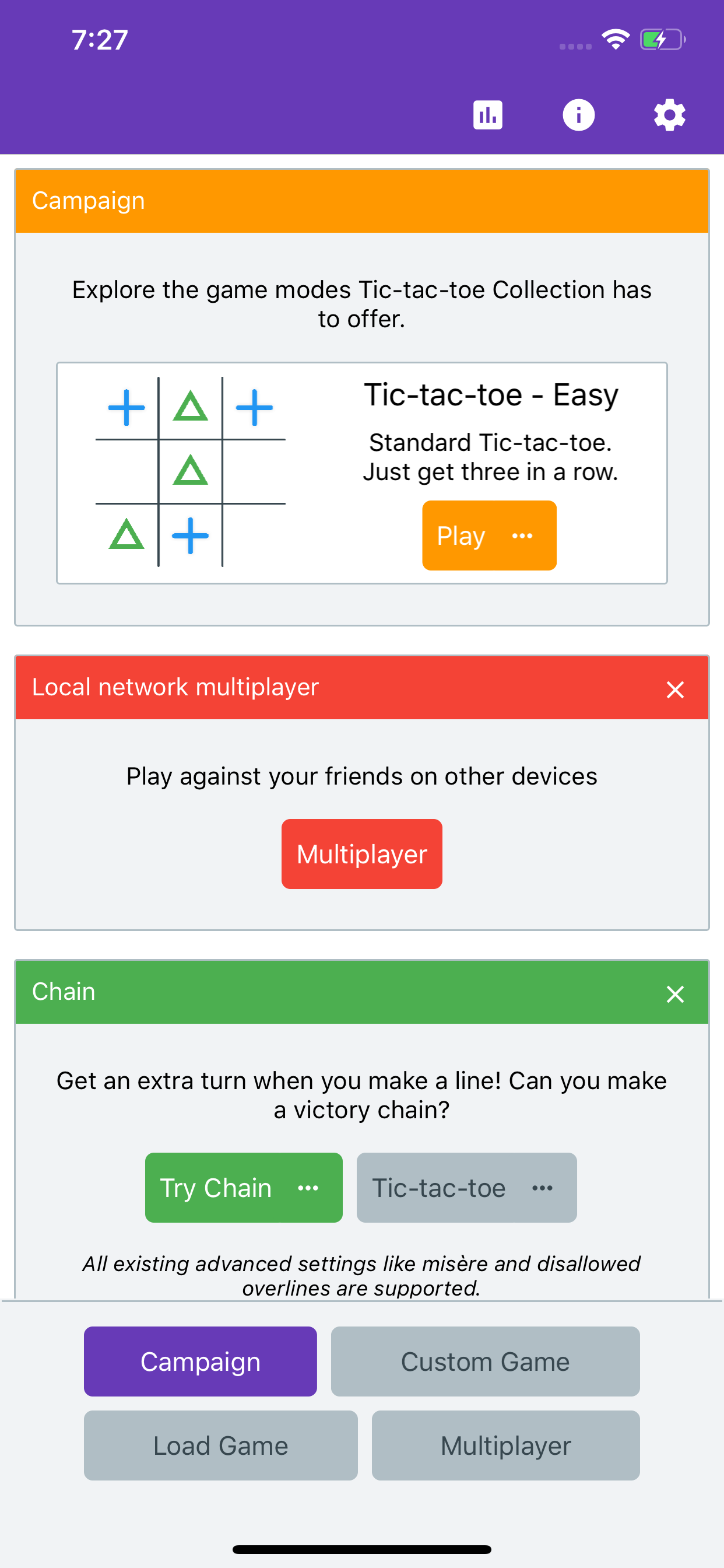
Tic-tac-toe Collection has a new website: [https://www.tictactoecollection.app/].
I switched from using Wordpress.com to using a static site generator, specifically Hugo.
Since becoming open source, it has become possible to find out potential upcoming features in Xamarin Forms by just poking around the active branches in the repository (macOS support was visible in the repo before any announcement).
One of them is lv2spike. From just reading the commit messages, it seems this is a new CollectionView, based on UICollectionView for iOS and RecyclerView for Android. This is something that has been needed for a while, but is a big enough undertaking that I understand why it has taken a while. After all the branch suggests this is still just a spike. There are quite a lot of feature requests for the Xamarin Forms ListView that are just not possible (like this one for horizontal layout) mainly because the iOS implementation is based on UITableView.
This will open lots of possibilities. My biggest concern is that despite the push forward with features, Xamarin Forms is accruing bugs even faster, and with the expanded platform support this could just get worse.
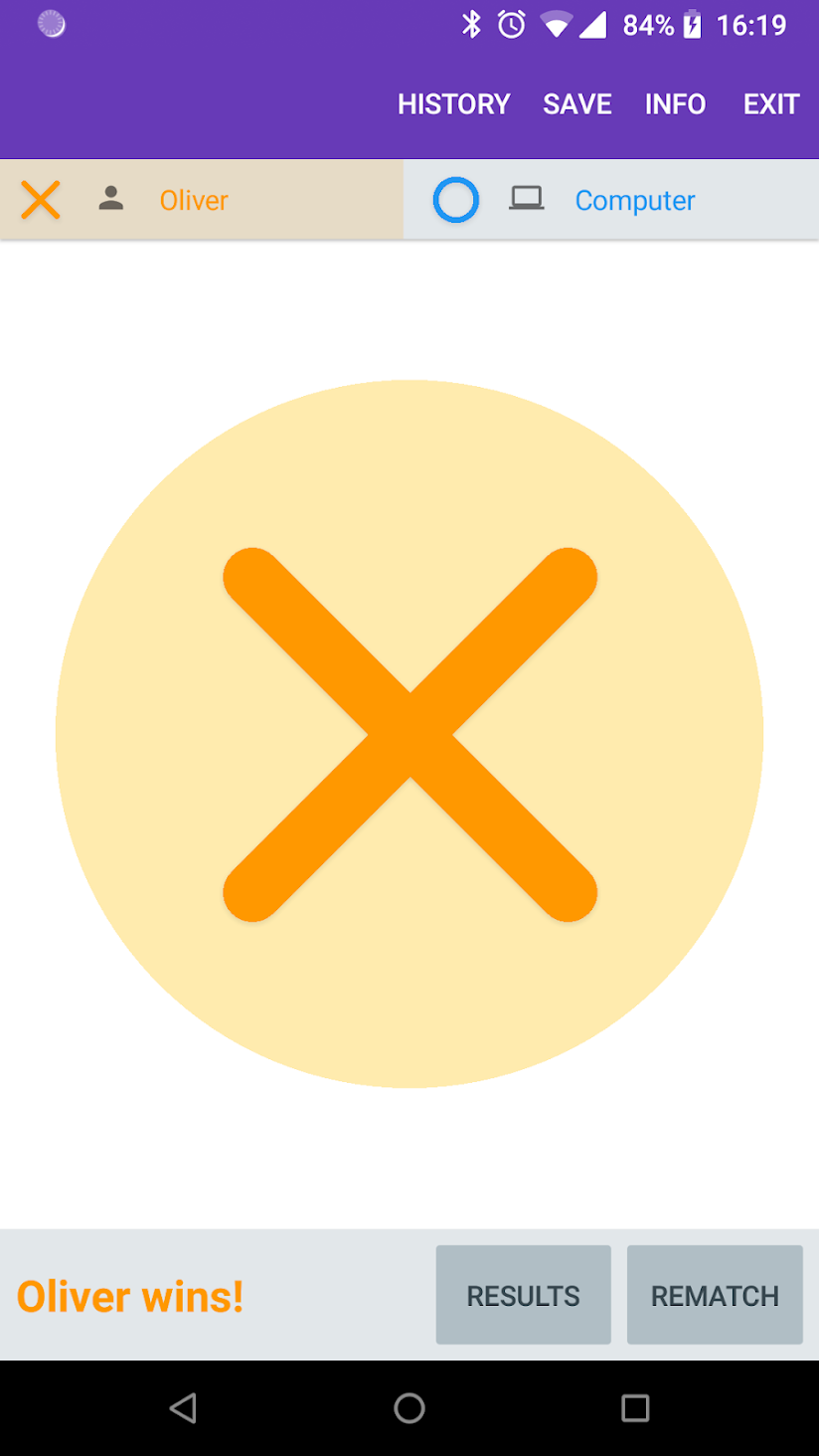
Tic-tac-toe Collection is now available on Android on the Play Store. Additionally, I’ve started a new blog to host random content about the game (initially just release notes, but I actually keep thinking of interesting things to write).
For various reasons I decided to write a Tic Tac Toe game in Xamarin Forms. At the moment it supports variable board sizes, variable win line size (so it implicitly supports Gomoku) and a few custom rules like misère, a pie rule and disallowed overlines.
It currently functions on Android, iOS and Windows, but is only released on Android for now.
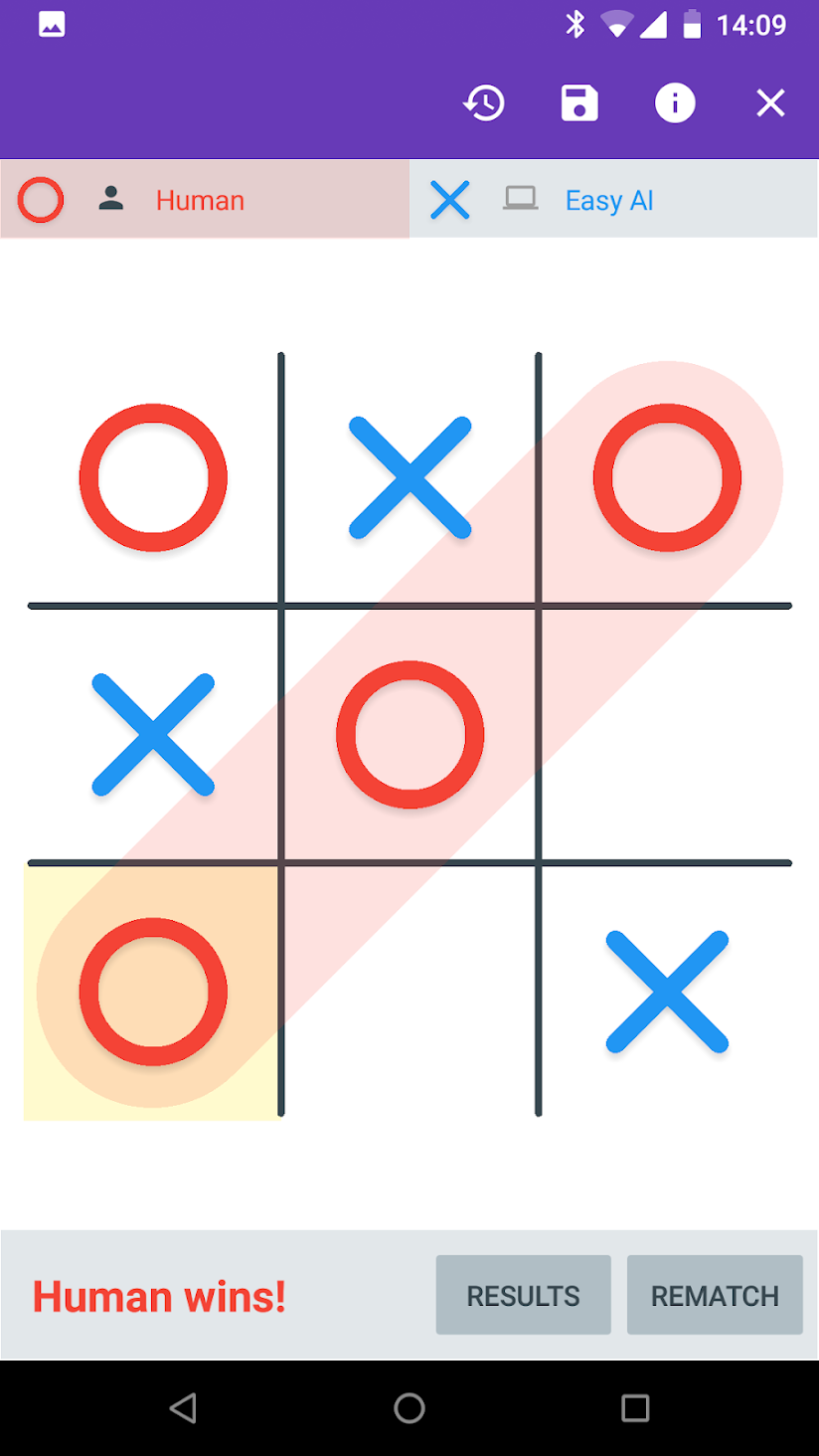
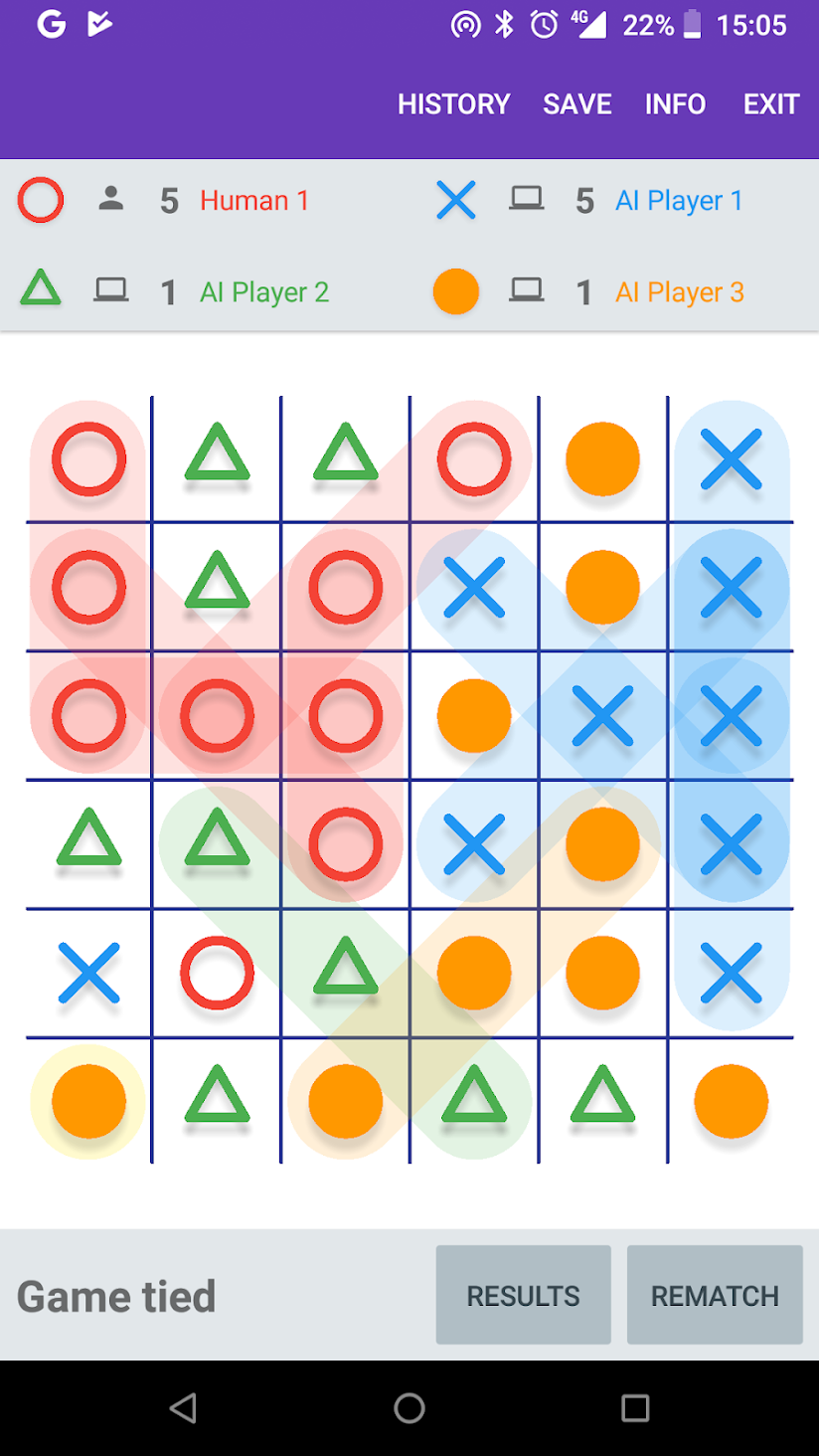
Download Tic-tac-toe Collection from the Google Play Store.