Tic-tac-toe Collection open beta

Oliver Brown
— This upcoming video may not be available to view yet.

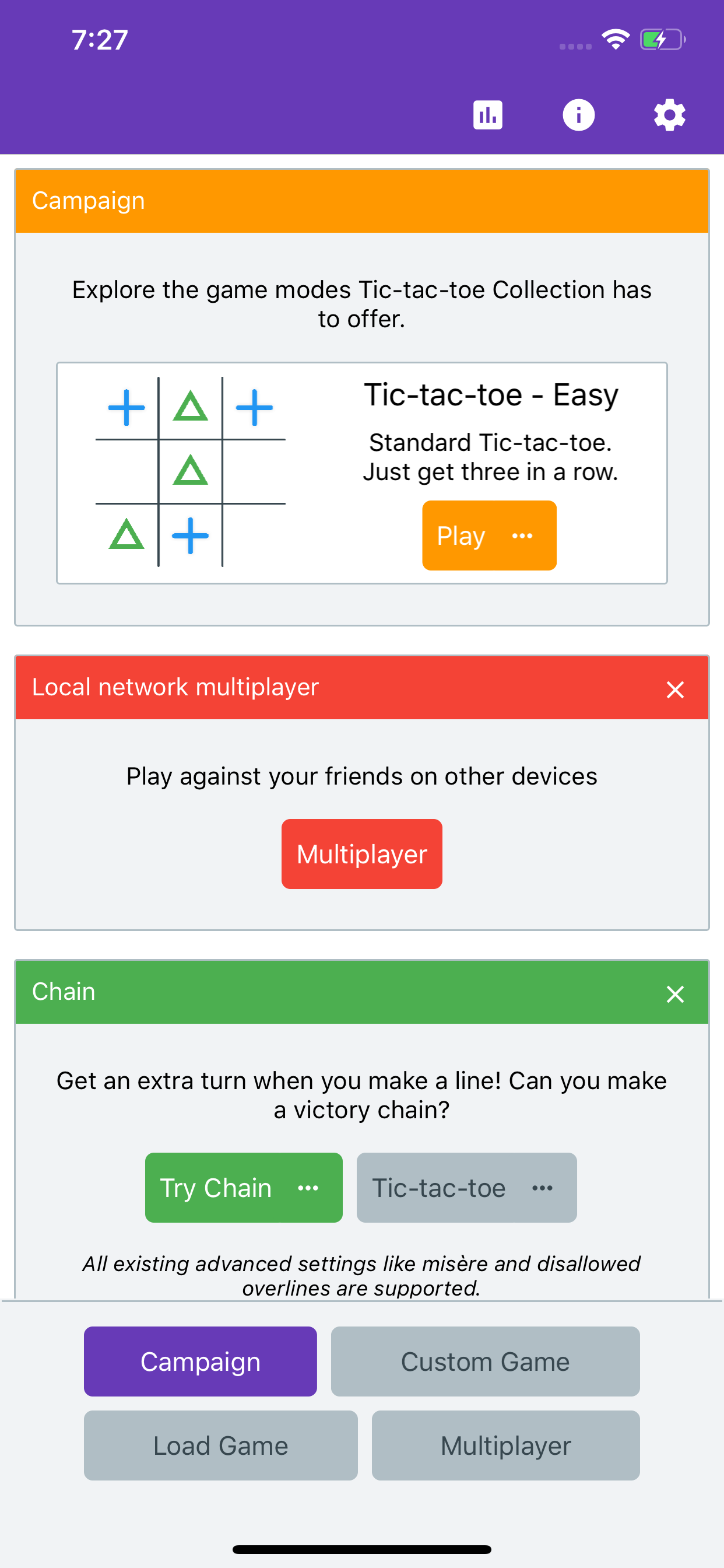
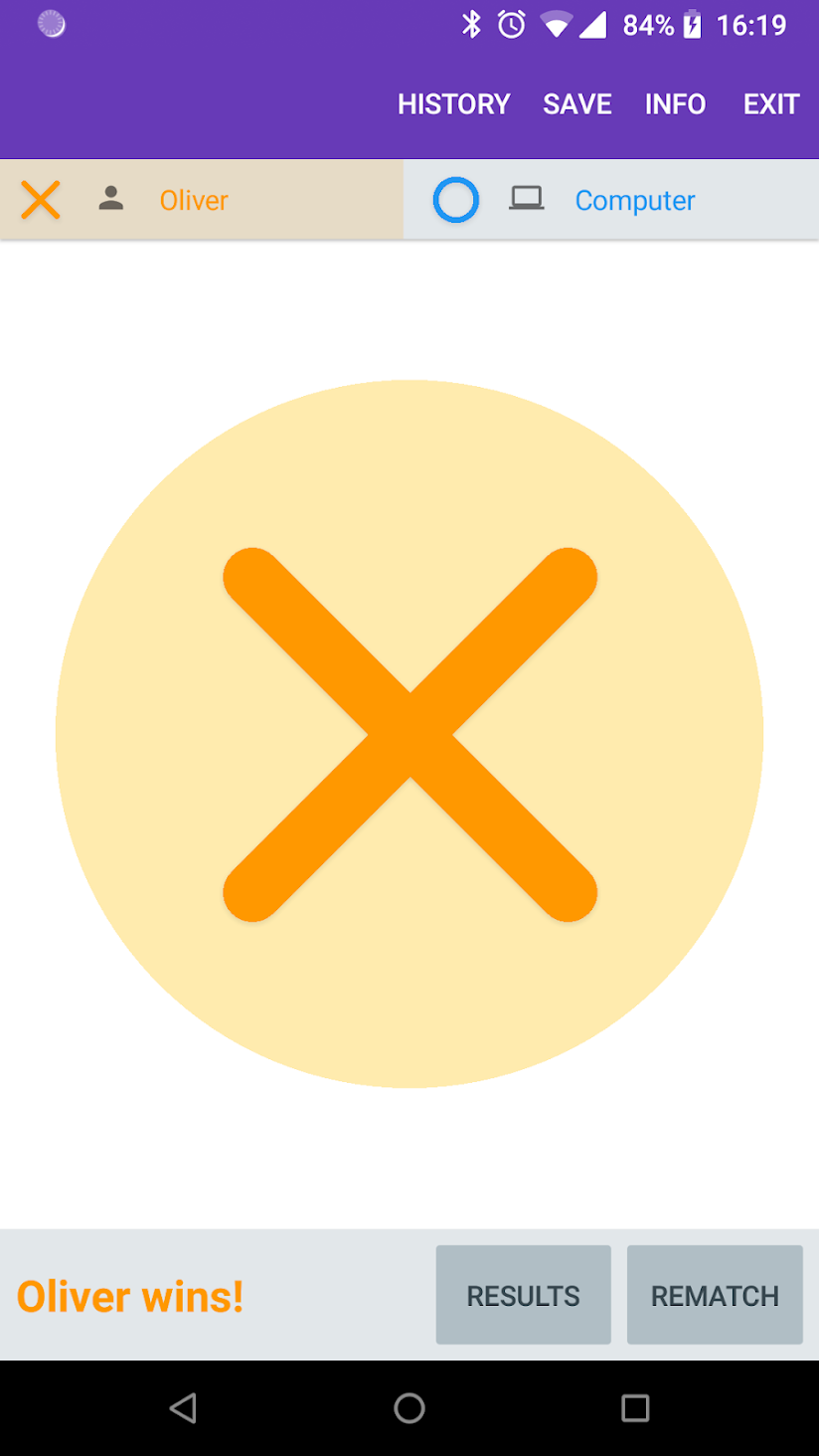
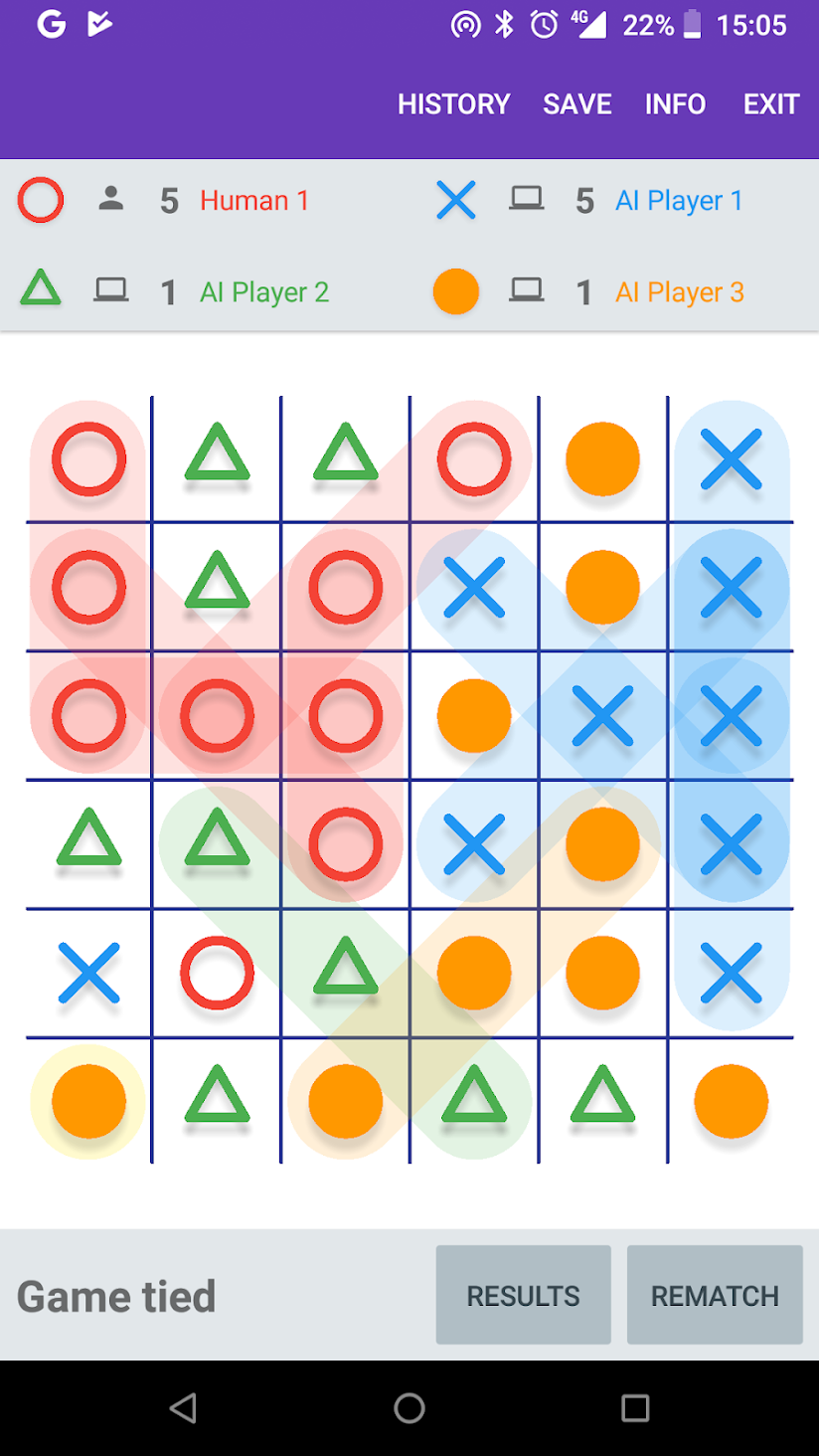
For various reasons I decided to write a Tic Tac Toe game in Xamarin Forms. At the moment it supports variable board sizes, variable win line size (so it implicitly supports Gomoku) and a few custom rules like misère, a pie rule and disallowed overlines.

It currently functions on Android, iOS and Windows, but is only released on Android for now.
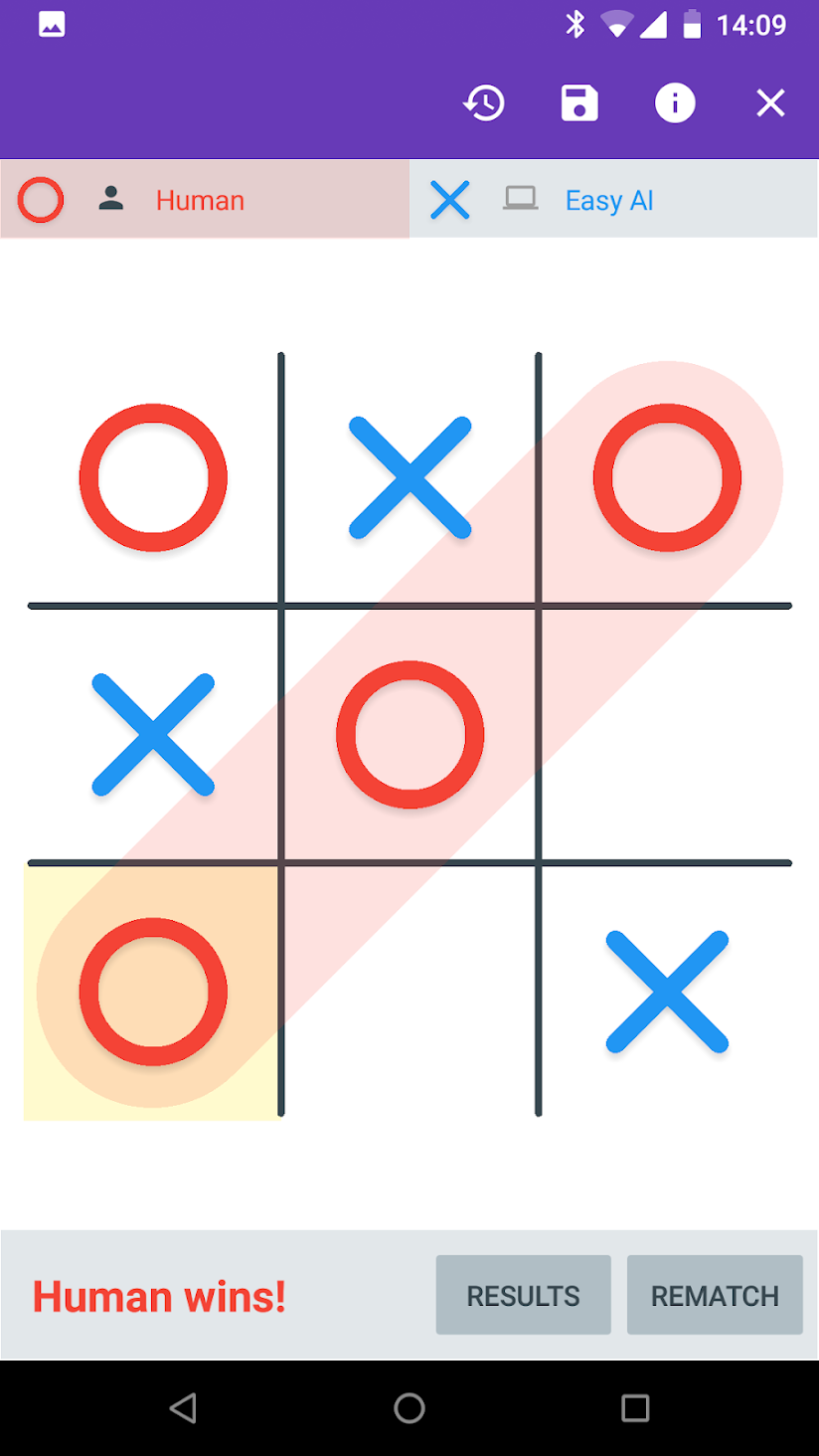
Apart from experimenting with various features of Xamarin Forms (as well as managing Nuget packages), my goal is to try and add all the options. Features I’m planning:

  • Ultimate Tic-tac-toe
  • Quantum Tic-tac-toe
  • 3D (and 4D) Tic-tac-toe
  • Online multiplayer
  • Order and chaos
  • Wild Tic-tac-toe

Download Tic-tac-toe Collection from the Google Play Store.

[SOLVED] Unable to cast object of type 'Xamarin. Forms. Xaml. ElementNode' to type 'Xamarin. Forms. Xaml. ValueNode'.

Oliver Brown
— This upcoming video may not be available to view yet.

When writing XAML for Xamarin Forms, you may across the error: Unable to cast object of type 'Xamarin.Forms.Xaml.ElementNode' to type 'Xamarin.Forms.Xaml.ValueNode' This is nearly always caused by assigning a value to an event in XAML, instead of specifying a method name. A common example is: <Switch Toggled="{Binding IsToggled}" /> Toggled is the name of an event. The property that was probably intended is called IsToggled. <Switch IsToggled="{Binding IsToggled}" />

Overcooked - Fun Coop Multiplayer Action

Oliver Brown
— This upcoming video may not be available to view yet.

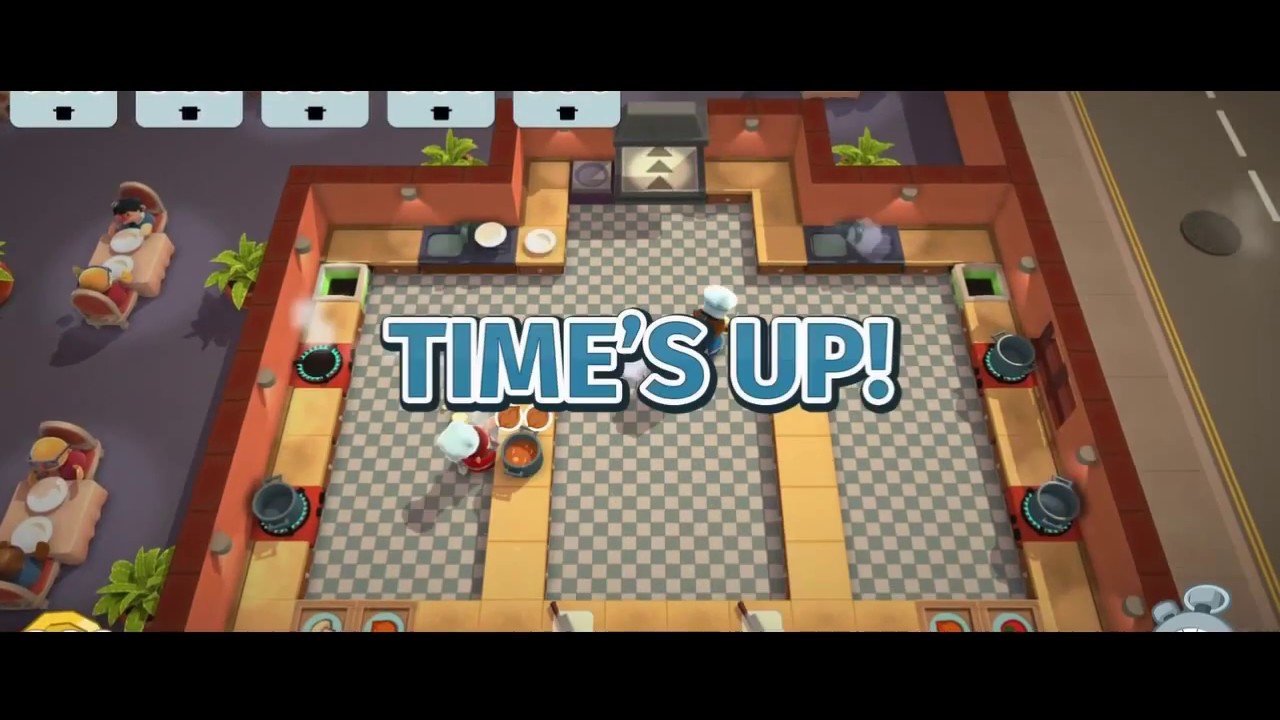
I recently a recorded a bunch of videos of the game Overcooked on Xbox One.

Interacting with this video is done so under the Terms of Service of YouTube
View this video directly on YouTube

Your goal is to assemble meals out of various ingredients, cook them, and serve them. Over time the meals get a bit more complicated and the levels get a lot more complicated. It is strongly designed to be played cooperatively with up to four people, and even supports two players on a single controller.

My only complaint would be the difficulty is based too much on complicated level design (and jumps up a bit too quickly). Some times the controls are not exactly tight and you can end up selecting the wrong thing - having levels with moving targets or slippery floors for instance just accentuates an otherwise minor problem. I would have preferred more meal variations (that are also more complicated) on simpler levels.

But despite all that it’s a fun party game that almost anyone can play. And of course it is made in Unity.

One final note. The first video in the playlist above was generated by Google Photos. It turned out well, except for its automatic cropping.

Visualizing Gravity

Oliver Brown
— This upcoming video may not be available to view yet.

Unity has a pretty cool feature called “gizmos”, that are things rendered only in the scene view of the Unity editor. Many built in game object types render a gizmo of some sort, but you can freely add your own. This can be very useful for debugging.

This is a visualization of the gravity (more precisely it’s the low resolution grid of gravity mentioned in the previous post).

The direction of the line is the direction of the gravity, and the length is the strength.

The Gravity of the Situation

Oliver Brown
— This upcoming video may not be available to view yet.

Interacting with this video is done so under the Terms of Service of YouTube
View this video directly on YouTube
The most important feature in Gravitas is clearly the gravity, so getting it right is crucial. One important principal to be aware of when making games though is that “right” doesn’t necessarily mean “technically perfect” or “scientifically accurate”. “Feeling right” and being fun to play with is often more important. Despite that, the gravity in Gravitas is essentially correct. By correct, I mean a numerical approximation of Newton’s law of universal gravitation. The formula for calculating the gravitational force between two masses is:
Gravitation

Gravitation

where:

  • F is the force between the masses;
  • G is the gravitational constant (6.674×10⁻¹¹ N · (m/kg)2);
  • _m_1 is the first mass;
  • _m_2 is the second mass;
  • r is the distance between the centers of the masses.

For simplicity and performance reasons, there are a few things to be aware of though. Firstly, I decided not to worry about real world units since the planets, ships and torpedoes are not realistically scaled to each other (either by size, mass or distance from each other). This means I can decide that my torpedoes have a mass of 1, thereby eliminating a multiplication for the most common case. This also means I can choose the value of G to be whatever looks or feels right.

This is still quite a significant calculation that has to be performed every frame for every torpedo/planet pair.

As it turns out though, the maximum number of torpedo/planet pairs is quite low. Based on the limits of the previous version of Gravitas, there were at most 9 ships, firing at most 3 torpedoes, with at most 11 planets. This means 9 × 3 × 11 = 297 times to calculate the strength of the gravity each frame. In practice I don’t think I ever saw so that many torpedoes (every ship using a triple-shot special power at once).

But then I wanted to add dust. By dust, I mean a trail from the torpedoes, that is also affected by gravity. At a minimum this should generate one particle per frame and be at least a couple of seconds long at normal torpedo speed. This means each torpedo could easily have a hundred dust particles all needing the same gravity calculation. All of a sudden there could be 300,000 gravitation calculations per frame. On my laptop it ran fine. On my phone, not so much.

There are a number of possible ways of solving this issue, but the one I settled on is based on the principle that accuracy of simulation of the dust particles (as opposed to the torpedoes) is not so important. That is, if the dust particles don’t behave perfectly, it doesn’t really matter. One thing to notice about the gravity is that the only dynamic data it depends on is the position of the dust. The mass of the dust is fixed, and the position and mass of the planets are fixed (at least per round).

My solution was to pre-calculate the strength of gravity on a dust particle for all the positions in a low-resolution grid. This means I can “calculate” the gravity by doing a relatively cheap lookup.

[SOLVED] The BindableProperty "Triggers" is readonly

Oliver Brown
— This upcoming video may not be available to view yet.

TLDR: When setting the Triggers property in XAML, use the actual type of the parent tag, not a supertype.

After recently updating Xamarin Forms from 2.3.2.127 to 2.3.3.175, I started getting an InvalidOperationException: The BindableProperty "Triggers is readonly" inside InitializeComponent. Unlike many problems, this was quite easy to track down. InitializeComponent errors are generally XAML, and in the page in question there was a single Trigger. In this case the solution was simple. The Trigger was on a custom Button type, but I was setting it specifically using Button.Triggers. Changing it to be the actual type fixed it. So, I changed it from

<local:MyButton>
  <Button.Triggers>
    <DataTrigger ... />
  </Button.Triggers>
</local:MyButton>

to

<local:MyButton>
  <local:MyButton.Triggers>
    <DataTrigger ... />
  </local:MyButton.Triggers>
</local:MyButton>

I believe the original should be valid (and previously was) but the change is simple enough to not be a big problem.

Gravitas approaching playability

Oliver Brown
— This upcoming video may not be available to view yet.
Interacting with this video is done so under the Terms of Service of YouTube
View this video directly on YouTube

Gravitas is rapidly approaching something playable, now that ships can be destroyed and new levels are generated.

“Something playable” is still quite far away from being an actual game. In terms of features required for even an alpha release, it still needs: scoring, match state, player lobby, AI, and better level generation.

Some other features I would rather have but aren’t strictly required include: special powers (especially warping, to get players out of impossible situations), better UI feedback for touch controls (which was not necessary for the original) and some match options.

But overall, progress is good.

Gravitas X

Oliver Brown
— This upcoming video may not be available to view yet.

I previously developed a game called Gravitas that was released as an Xbox Live Indie Game on the Xbox 360.

A new cross-platform version (with an as yet undetermined subtitle), made in Unity and supporting multiple platforms is currently under development.

I am producing frequent videos documenting the progress.

Multi-platform - The real advantage of Unity

Oliver Brown
— This upcoming video may not be available to view yet.
Interacting with this video is done so under the Terms of Service of YouTube
View this video directly on YouTube

There have been quite a few mechanical additions since my last update, but the most significant thing in my latest video is it is the first on a non-Windows platform.

Unity has a large list of platforms it supports and a lot will work on all of them with no effort. For example, Gravitas currently builds and runs on Windows (Win32 and Windows 8.1 Store), Mac, Android and WebGL. With the exception of adding some settings (the Android package name for instance) I didn’t have to do anything platform specific for any of it. Although there are very few hard limitations on what can be done on the different platforms, the wildly different performance characteristics mean you do have to think about different problems.

A more straightforward problem I recently solved (after the Day 20 - Android video was made) was to decide how to deal with different mobile device orientations. My general philosophy is to try and support everything, so although landscape feels most natural for Gravitas, there isn’t really a reason not to support portrait. In fact, since the camera will adjust its zoom level to keep all the world on screen, it already supported portrait, albeit rather awkwardly. The dynamically generated levels are designed to have approximately a 16:9 aspect ratio. This means in portrait you get massive empty space above and below the planets, while making everything smaller than necessary. The solution? If the aspect ratio is less than 1, rotate the camera 90 degrees. This not only means portrait is supported, but in fact a far more general case of portrait-like aspect ratios is supported (and even better, has no mobile specific code at all).